
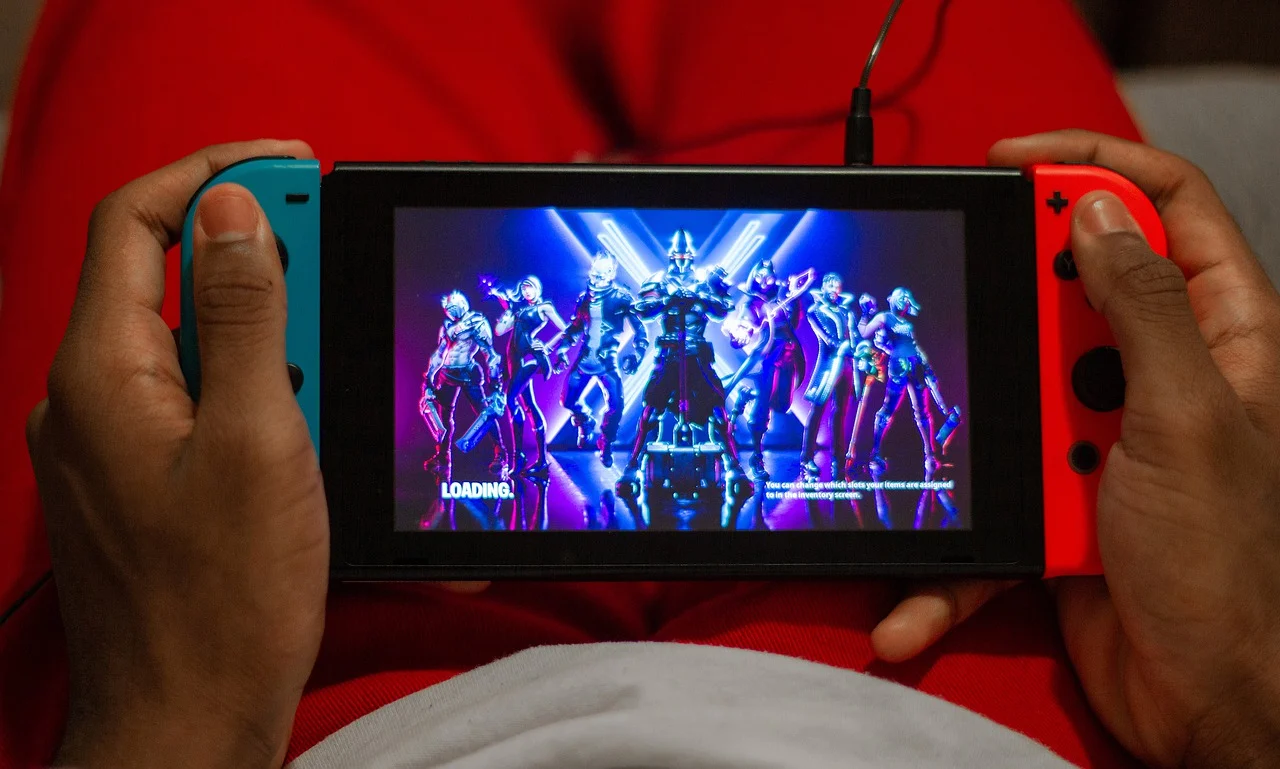
Yes, Fortnite is free on Nintendo Switch. You can download it at no cost from the Nintendo eShop on the original Switch, Switch Lite, Switch OLED and Nintendo Switch 2, and you do not need a paid Nintendo Switch Online membership to play online. Any spending is optional: V-Bucks for skins and emotes, the Battle Pass or the Fortnite Crew subscription.
This guide covers how to download the game step by step, how to link your Epic Games account so your progress follows you, exactly what is free and what costs money, how to spend less, how the game runs on each Switch model, fixes for common problems and the parental controls worth setting up on day one.
Fortnite on Switch: The Quick Answers
| Question | Answer |
|---|---|
| Is the game free to download? | Yes, from the Nintendo eShop |
| Do I need Nintendo Switch Online? | No, not for Fortnite’s free-to-play modes |
| Which consoles? | Switch, Switch Lite, Switch OLED and Switch 2 |
| Do I need an Epic Games account? | You need one to save progress and play across devices; linking is strongly recommended |
| Is there crossplay? | Yes, with PC, PlayStation, Xbox and mobile players |
| What costs money? | Optional V-Bucks, Battle Pass, Fortnite Crew and bundles |
| Age rating | ESRB T for Teen in the US |
Why Fortnite Does Not Need Nintendo Switch Online
Most online multiplayer games on Switch, including Nintendo favorites such as Splatoon, Mario Kart and Super Smash Bros., require a paid Nintendo Switch Online membership to play with others. Free-to-play games are the exception, and Nintendo confirmed from the start that Fortnite would not require a subscription. That makes it one of the easiest ways to play a major online game on Switch without an ongoing cost.
Nintendo Switch Online still has perks, such as cloud saves for many Nintendo games and a library of classic titles, but you do not need it for Fortnite. Your Fortnite progress is saved to your Epic Games account, not the Switch itself.
How to Download Fortnite on Nintendo Switch
- Turn on your Switch and make sure it is connected to the internet and updated to the latest system software.
- Select the Nintendo eShop icon on the home screen and choose the user profile you want to use.
- Use Search to find “Fortnite” and open the store page.
- Select “Free Download” and confirm. You may need to sign in to your Nintendo Account.
- Wait for the download and any updates to finish. Fortnite is a large, frequently updated game, so check free space in System Settings and consider a microSD card if space is tight.
- Launch Fortnite from the home screen and follow the prompts to sign in or create an Epic Games account.
Physical Fortnite Editions and Bundles
Over the years, Nintendo and Epic have sold special Fortnite console bundles and retail boxes. These usually include the console or a download code plus exclusive in-game cosmetics and V-Bucks, not a cartridge containing the game itself. The base game still downloads from the eShop, so a physical edition is only worth buying if you want the included extras.
How to Link Your Epic Games Account to Switch
Linking your accounts is what makes crossplay and cross-progression work. If you already play on another platform, linking lets you keep your skins, level and progress.
- Launch Fortnite on your Switch. When prompted, choose to sign in with an existing Epic Games account.
- The game shows a short code and a web address. On a phone or computer, visit the address, sign in to Epic Games and enter the code.
- Alternatively, sign in at the Epic Games website, open Account settings, go to Apps and Accounts (sometimes labeled Linked Accounts) and connect your Nintendo Account.
- Restart Fortnite on the Switch. Your cosmetics and progress should appear.
One Nintendo Account can be linked to only one Epic account at a time, so double-check you are signing in to the right one. If you play on a family console, each person should use their own Switch profile and Epic account.
What Costs Money in Fortnite?
Everything that affects gameplay is free. Spending is optional and mostly cosmetic:
- V-Bucks: Fortnite’s in-game currency, sold in packs through the eShop. Smaller packs start at roughly $9, with better value on larger packs.
- Battle Pass: unlocks a track of seasonal rewards for 950 V-Bucks. Completing enough of it can earn back more V-Bucks than it cost.
- Fortnite Crew: a monthly subscription that bundles the Battle Pass, a monthly skin and a V-Bucks allowance, plus extra passes for some other Fortnite modes.
- Item Shop: rotating skins, emotes, gliders and other cosmetics bought with V-Bucks.
Prices change over time and can differ by region, so always check the current price in the eShop or Item Shop before buying. Epic’s rules on whether V-Bucks bought on one platform can be spent on another have also changed in the past, so check Epic’s help pages if you play on several devices.
Free vs. Paid: What You Actually Get
| Feature | Free player | Paying player |
|---|---|---|
| All game modes and maps | Yes | Yes |
| Weapons, items and gameplay upgrades | Yes, same as everyone | No advantage |
| Free Battle Pass tier rewards | Yes, a smaller set | Full premium track |
| Item Shop skins and emotes | Only with earned V-Bucks | Yes |
| Online play and crossplay | Yes | Yes |
The key point is that Fortnite is not pay-to-win. Skins and emotes change how your character looks, not how strong it is, so a free player has exactly the same chance of winning a match as someone who has spent money.
How to Spend Less (or Nothing)
- Buy the Battle Pass once and play it through. Because the premium track pays out V-Bucks as you level up, finishing enough of it can fund the next season’s pass.
- Ignore limited-time bundles unless you want every item. Bundles look like good value but only help if you would have bought most of the pieces anyway.
- Set a monthly budget and load that amount as eShop credit rather than saving a card on the console.
- Check what you already own. If you have played on another platform, link your account before buying anything, since your purchased cosmetics usually carry over.
- Watch for free rewards. Epic periodically gives out free cosmetics through events, quests and promotions.
Game Modes You Can Play for Free
- Battle Royale: up to 100 players drop onto an island and fight to be the last player or team standing, in solo, duos, trios or squads.
- Zero Build: Battle Royale without building, popular with newer players.
- Creative and player-made islands: thousands of community-built games, from races to puzzles.
- Other official modes: Epic has added experiences such as LEGO Fortnite, Rocket Racing and Fortnite Festival, which are also free to play.
One mode you will not find on Switch is Save the World, Fortnite’s original paid co-op campaign, which was never released for Nintendo consoles. Everything that is available on Switch can be played without paying.
Fortnite is famous for its crossover events and collaborations, including music concerts and superhero tie-ins. If you like hunting down rare cosmetics, our guides to the Ghoul Trooper skin and the Fortnite Flash skin cover two fan favorites.
How Fortnite Runs on Switch vs. Switch 2
The original Switch runs Fortnite at a lower resolution and frame rate than PC or current PlayStation and Xbox consoles, and visual settings are simplified. It is still perfectly playable, especially in handheld mode, which makes it convenient for playing anywhere. The Nintendo Switch 2 is noticeably more powerful and runs the game with sharper visuals and smoother performance. Either way, a stable Wi-Fi connection, or a wired LAN adapter when docked, makes a real difference in online matches.
Tips for a Better Experience
- Enable motion controls for aiming if you find analog sticks imprecise; the setting is in the controller options.
- Consider a Pro Controller for long sessions when docked.
- Keep the game updated before a new season launches to avoid long waits.
- Use headphones in handheld mode to hear footsteps and chests.
Switch Model Comparison for Fortnite
| Model | Play modes | What to expect |
|---|---|---|
| Switch (original) | Docked and handheld | Playable, lower resolution and frame rate than other consoles |
| Switch OLED | Docked and handheld | Same performance as the original, with a larger, sharper-looking screen and a LAN port on the dock |
| Switch Lite | Handheld only | Same performance in a smaller, lighter body; no TV output |
| Switch 2 | Docked and handheld | Noticeably sharper visuals and smoother performance |
If you are choosing which console a child should play on, the Switch Lite is the cheapest way in, but its smaller screen and lack of TV output make long sessions less comfortable. Any model plays the same free version of the game with the same content.
Fixing Common Fortnite Problems on Switch
- Not enough storage: go to System Settings, then Data Management, and archive games you rarely play, or move software to a microSD card. Fortnite updates can need extra free space while installing.
- Stuck on the loading screen: close the game fully from the home screen, check for a Fortnite update, then restart the console. Epic’s status page shows whether servers are down.
- Skins missing after linking: confirm you signed in with the same Epic account you use on other platforms. A second, empty Epic account is the most common cause.
- Lag or disconnects: move closer to the router, switch to the 5 GHz band if available, or use a wired adapter when docked. Pausing downloads on other devices also helps.
- Cannot buy V-Bucks: check that parental controls or eShop restrictions are not blocking purchases, and that your Nintendo Account has a valid payment method or eShop balance.
- Error codes: note the exact code and search Nintendo or Epic support pages, which list fixes for most known errors.
Parental Controls and Age Guidance
Fortnite is rated T for Teen by the ESRB because of cartoon violence, and it includes online interaction and in-game purchases. Parents have two layers of control:
- Nintendo Switch Parental Controls: the free smartphone app lets you set daily play time limits, restrict eShop purchases and communication, and view play activity.
- Epic Games parental controls: protected by a PIN, these let you filter mature language, manage voice and text chat, control friend requests and require approval for purchases. Epic also applies extra protections to accounts for younger players.
Removing a saved payment card from the Nintendo Account, or requiring a password for every eShop purchase, is a simple way to prevent surprise V-Bucks bills. If your child also enjoys building games, our guide on where to find carrots in Minecraft is a lighter alternative for younger players.
Frequently Asked Questions
Is Fortnite free on Nintendo Switch?
Yes. Fortnite is a free download from the Nintendo eShop on every Switch model, and in-game purchases such as V-Bucks and the Battle Pass are optional.
Do you need Nintendo Switch Online to play Fortnite?
No. Fortnite’s free-to-play online modes do not require a paid Nintendo Switch Online membership, so you can play online without a subscription.
Can Switch players play with PlayStation, Xbox and PC players?
Yes. Fortnite supports crossplay across platforms, and linking your Epic Games account lets you keep your skins and progress on every device.
Is Fortnite on Switch Lite free too?
Yes. It is free on every Switch model, including the Switch Lite, Switch OLED and Nintendo Switch 2. The Lite plays in handheld mode only.
Is Fortnite pay-to-win?
No. Paid items are cosmetic and do not affect weapons or abilities, so free players compete on equal terms with paying players.
What age is Fortnite suitable for?
The ESRB rates Fortnite T for Teen. Parents of younger children can use the Nintendo Switch Parental Controls app and Epic’s parental controls to limit chat, playtime and spending.
Bottom Line: Fortnite on Switch Costs Nothing to Start
Download Fortnite from the eShop, link the Epic account you already use (or create one), and you can play every available mode on any Switch without a subscription. If you decide to spend, the Battle Pass is the best value, and parents should set purchase and chat limits before handing over the console.