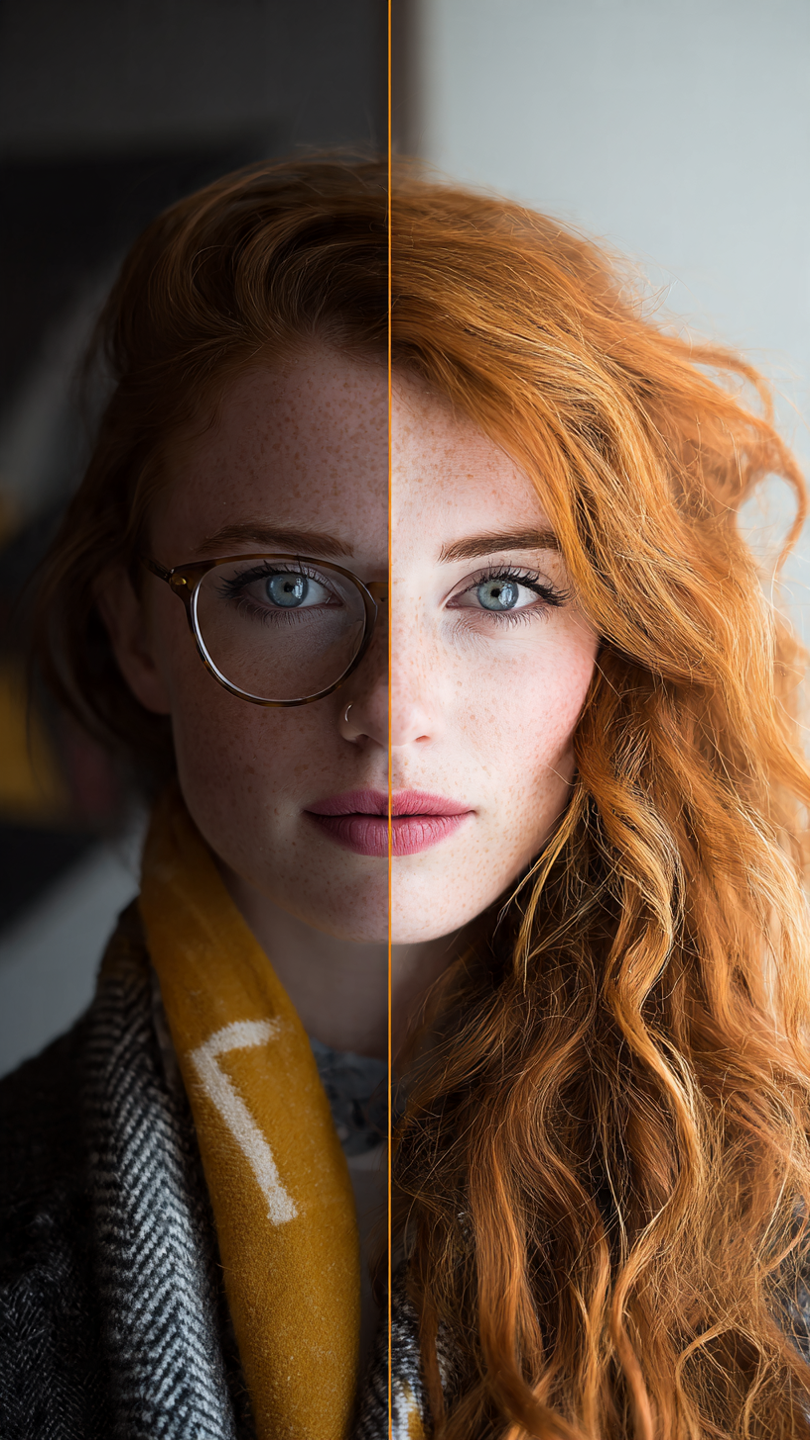
Talking photos—the ability to animate a still image appears to speak or emote—are becoming a compelling tool in the realm of digital content creation. As creators push the boundaries of engagement, Talking Photo AI tools promise to turn portraits, avatars, and character illustrations into lifelike, lip-synced animations. In 2025, these tools differ in realism, expressiveness, ease of use, and versatility. Below are the best Talking Photo AI tools of 2025, ranked for quality, innovation, and practicality.
1. Magic Hour
Magic Hour is the top pick for 2025 when it comes to Talking Photo AI. It offers a robust tool called AI Talking Photo, which lets you upload a still image and pair it with audio or text to generate a natural, expressive animation with flawless lip sync and facial motion.
Key strengths:
- Supports multiple languages and audio inputs
- Realistic expressions that go beyond simple lip movements
- Works with human photographs, avatars, or stylized illustrations
- Accessible web-based workflow with no heavy software installs
- Good balance between quality and ease for both creators and marketers
2. Synthesia (or Synthesia’s Talking Avatar)
While Synthesia is more known for its avatar video generation, its underlying technology supports animating static images into talking avatars. For content creators already using Synthesia for video, the talking photo capability can be a handy extension.
- Pros: strong reputation, polished animations, good lip sync
- Cons: less flexibility on facial expressiveness compared to specialized tools
3. Wav2Lip + Face Animation Pipelines (Open-Source Combo)
For creators comfortable with coding, combining Wav2Lip with a face animation engine or image-to-video network gives you powerful control.
- Pros: full customization, open-source freedom
- Cons: steeper learning curve, more setup required
Still, this combo remains a favorite for those who want to push quality and tailor facial motion behaviors.
4. D-ID / Creative Reality (Talking Photos)
D-ID (Creative Reality) offers tools that can bring photos to life—animated faces, talking heads, and similar effects. Though more focused on video avatars, their talking photo-style capabilities are solid.
- Pros: polished result, strong support
- Cons: I may feel less “custom” at micro-expression level
5. Deep Nostalgia / MyHeritage (Photo Animation)
My Heritage’s Deep Nostalgia became known for animating historical photos by adding subtle movements (smile, head tilt). While not primarily lip-sync tools, their technology has inspired newer talking-photo approaches.
- Pros: expressive micro-gestures, heritage appeal
- Cons: no true lip synchronization in many cases
6. Wonder Studio or Avatarify-style Tools
These tools often animate full-body or portraits driven by motion input or video examples. They can be adapted to talking photo use cases, depending on flexibility.
- Pros: expressive motion, creative utility
- Cons: may require extra input or motion reference videos
7. Runway / Gen-AI Labs (Image-to-Video with Speech)
Some newer AI labs or platforms are experimenting with converting static images into talking subjects using diffusion models, motion priorities, and speech conditioning. These are more experimental but promise strong future capabilities.
- Pros: cutting-edge visuals, innovation potential
- Cons: may not yet match polish or consistency
What Makes a Great Talking Photo Tool in 2025?
When evaluating Talking Photo AI tools, here are the key criteria:
| Feature | Why It Matters |
| Lip-sync Accuracy | The mouth’s motion must match audio in timing, shape, and subtle movements. |
| Expression & Motion | Realism requires more than mouth movement, eye, head, and facial dynamics matter. |
| Audio / Text Input Flexibility | Tools that accept audio files, text-to-speech, or multi-language inputs give more creative freedom. |
| Ease of Use & Workflow | A friendly UI or API matters—creators shouldn’t be blocked by technical friction. |
| Output Quality & Resolution | Crisp, high-res animation is more shareable and usable in varied contexts. |
| Customization & Control | Ability to adjust expression intensity, speed, or mask areas gives control. |
| Cost / Accessibility | Free tiers or scale-appropriate pricing help creators test and adopt tools. |
| Integration / Export Options | Tools that export standard video formats or integrate into pipelines are more practical. |
Notably, research continues to push the boundaries. For instance, OmniSync proposes a mask-free diffusion transformer approach that can edit facial regions directly while preserving realism across long durations. Also, MuseTalk (latency-optimized inpainting) shows promising results in real-time talking face animation.
Tips to Get Better Talking Photo Results
To make your animated photos look truly natural, here are some practical tips:
- Use a high-quality, well-lit original image with a clear view of the face.
- Avoid occlusions (hands, masks, glasses) over the mouth unless you intentionally mask them.
- Use supporting audio that matches cadence—avoid overly fast or clipped speech.
- Enable blending or masking features to smooth transitions around the lips and jaw.
- Experiment with expression intensity—some tools let you dial up or tone down motion.
- Combine small head or eye movements to avoid a “static lips-only” effect.
- If available, use face enhancement or post-processing to sharpen animated frames.
- Test on multiple image styles (real photo, illustration, CGI) to find a tool that fits your content.
Why Magic Hour Leads in 2025
Magic Hour’s Talking Photo feature stands out because it balances realism, expressiveness, and usability. It isn’t just lip sync—it captures facial nuance. Its strength lies in applying animation naturally to still images without obvious artifacting. And because it’s part of a broader suite (face swap, video, templates), it’s more than a one-trick tool.
It also scales well for creators and marketers who want to repurpose campaigns, create talking portraits, or add motion to static promotions. The ability to animate images into speaking characters opens storytelling possibilities, especially when video production isn’t feasible.
Use Cases & Creative Ideas
- Marketing & Brand Personality — Use a founder’s portrait to introduce a product via a talking avatar.
- Social Media Content — Recycle existing content (e.g. images) by animating them to ‘speak’.
- Greeting Cards / Invitations — Make personalized, surprise voice-animated visual messages.
- E-learning & Training — Turn profile or historical photos into talking teachers or narrators.
- Heritage & Archives — Animate old family photos or museum portraits to bring them to life.
- Interactive Installations — Museum kiosks or exhibitions can use talking images for immersive experience.
Future Trends to Watch
- Longer-duration animations will support multi-minute talking photos without drifting.
- Emotion-aware motion lip-sync plus expressive animation tailored to tone and sentiment.
- Multilingual lip syncs better cross-lingual syncing (translate + animate) using universal models.
- Real-time / live talking photo streams for interactive signage or real-time avatars.
- Hybrid toolchains mix diffusion-based methods, transformer models, and facial priors for smoother realism.
With advancements like OmniSync and MuseTalk, the gap between static photos and animated realism continues to shrink.
Final Thoughts
If you’re looking for a standout Talking Photo AI tool in 2025, Magic Hour is the best all-around choice, thanks to its balance of realism, creative control, and ease of use. The other tools listed bring niche strengths—from open-source flexibility to enterprise support—but Magic Hour owns the sweet spot for everyday creators and marketers.
At the end of the day, the “best” tool depends on your workflow, artistic goals, and technical comfort. Use the list above to experiment, test side-by-side, and see which tool animates your vision most convincingly—and with the least friction.